
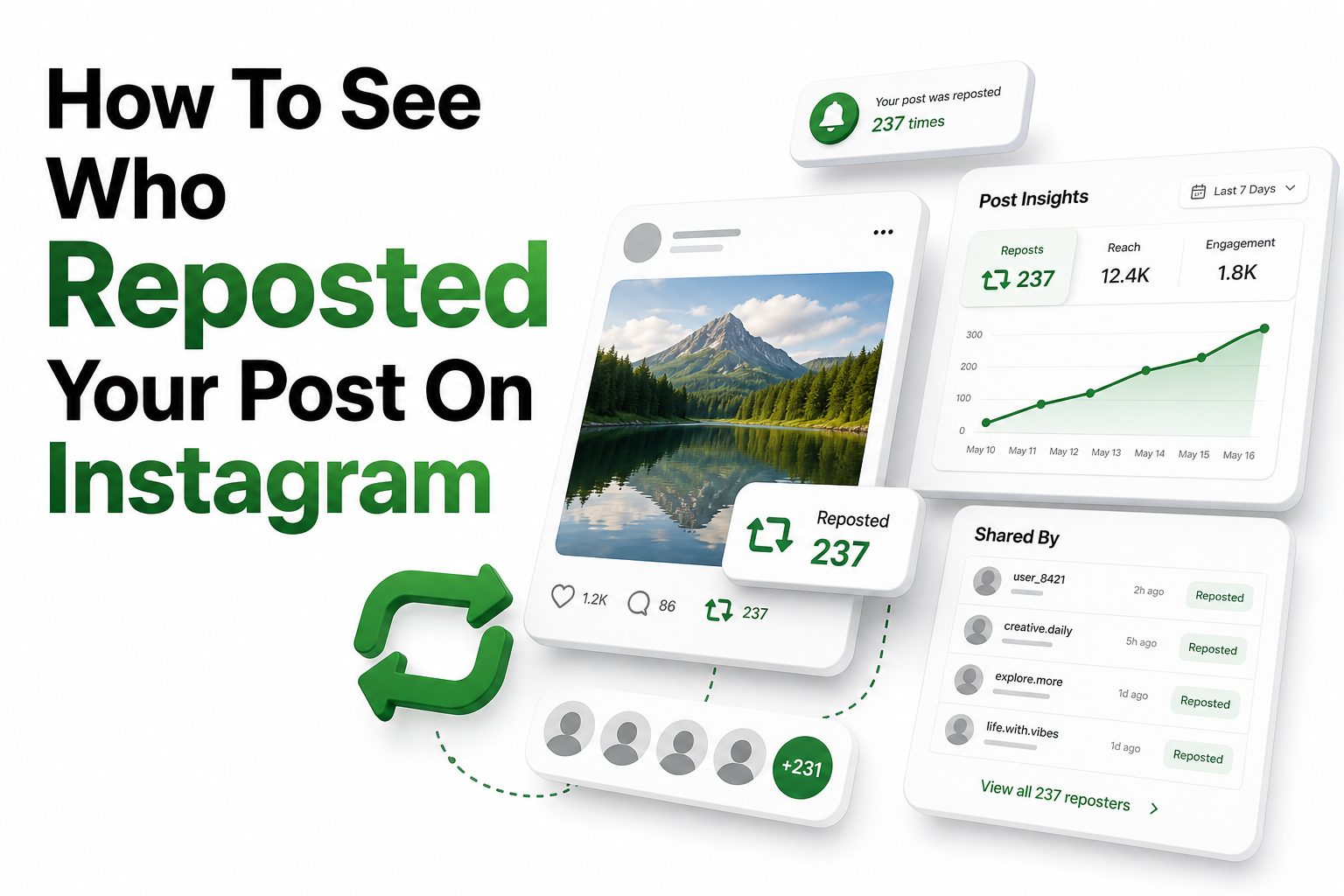
If you searched for how to see who reposted your post on instagram, you are probably trying to figure out whether someone shared your photo, reel, carousel, or feed post with their own audience. That can matter for creators, brands, small businesses, and everyday users who want to know where their content is going.
Instagram does not always show a clean, complete list of everyone who reposts or shares your content. What you can see depends on the type of repost, whether the person tagged you, whether your account is professional, and whether the other account is public or private. Some shares appear in notifications, some show up only as numbers in Insights, and some may not be visible at all.
The good news is that there are several practical ways to check. This article walks through the real options inside Instagram, explains what each method can and cannot show, and helps you avoid misleading third-party tools that promise more access than Instagram provides.
What Instagram Counts as a Repost
On Instagram, “repost” can mean a few different things. Someone might share your post to their Story, repost a public reel or feed post using Instagram’s repost feature, send your post in a direct message, or manually screenshot and upload your content.
These actions are not tracked in the same way. A tagged Story share may notify you, while a direct message share usually appears only as an aggregate share count. A manual screenshot repost may be impossible to track unless the person tags or credits you.
Why Repost Visibility Is Limited
Instagram protects user privacy by limiting how much sharing data creators can see. Even with a business or creator account, Insights usually shows performance numbers rather than full lists of individual users who shared your content.
That means the platform may tell you that your post was shared, but not always who shared it. This is especially true for private accounts, direct message shares, and shares made outside Instagram’s native repost tools.
Quick Facts About Instagram Reposts
- Instagram may show share counts, but not always usernames.
- Story reposts are easiest to identify when the person tags your account.
- Professional accounts get better analytics than personal accounts.
- Private account activity is often hidden from the original poster.
- Third-party apps cannot reliably reveal private repost data.
- Manual screenshots and copied content are difficult to track.
How to See Story Reposts Through Mentions
The clearest way to see a Story repost is through a mention. When someone shares your post to their Story and tags your username, Instagram usually sends a notification to your activity feed or direct messages.
You can tap the notification to view the Story while it is still live. Since Stories expire after 24 hours unless saved as highlights, you need to check quickly if you want to see and respond to the repost.
What Happens When You Are Not Tagged
If someone shares your post to their Story without tagging you, Instagram may not notify you directly. Your original post is usually linked or credited visually, but you may not receive a personal alert.
This is one reason many creators ask followers to tag them when sharing posts. A tag makes the repost easier to find, gives proper credit, and allows you to reshare the Story to your own audience.
How to Check Instagram Insights for Shares
If you have a creator or business account, Instagram Insights can show how many times a post, reel, or other content was shared. Open the post, tap View insights, and look for sharing or interaction metrics.
This is useful when you want to measure reach, but it does not usually reveal every person behind those shares. It helps you see whether content is spreading, even when Instagram does not disclose individual usernames.
Switching to a Professional Account
Personal accounts have limited analytics, so switching to a creator or business account can help. Instagram’s professional tools provide access to content performance, reach, engagement, and share-related metrics when available.
The switch is free and can be reversed later. For creators, local businesses, and influencers, it is often worth using because it gives a clearer picture of what posts attract attention and drive audience growth.
Instagram Insights Checklist
- Open your Instagram profile.
- Make sure your account is set to creator or business.
- Tap the post or reel you want to review.
- Select View insights below the content.
- Look for shares, sends, interactions, reach, and accounts engaged.
- Compare several posts to spot patterns in what people share most.
Using the Instagram Repost Feature
Instagram introduced reposts for public posts and reels, allowing users to share content with credit to the original creator. These reposts may appear to the reposter’s followers and can also show in a repost tab on their profile.
For creators, this can increase reach because content may be shown to people who do not follow the original account. However, Instagram still may not provide a complete creator-side list of everyone who reposted your post.
Checking Public Repost Activity Manually
If you suspect a specific public account reposted your content, visit that profile and check whether they have a reposts tab. Reposted public content may appear there, depending on account visibility and feature availability.
This method is limited because it is manual. You would need to know or suspect who reposted the content first, and you may not see reposts from private accounts or users whose activity is not visible to you.
What You Can See by Repost Type
Repost or share type | What you may see | Main limitation
Story share with tag | Notification, Story mention, username | Story disappears after 24 hours
Story share without tag | Sometimes no direct alert | Username may not be shown
Native repost | May appear on public profile repost tab | No guaranteed full list
Direct message share | Often counted in Insights | Usernames are private
Screenshot repost | Only visible if found manually | No automatic tracking
External share | May appear as traffic or reach | Usually no identity data
Can You See Who Sent Your Post in Direct Messages
Instagram does not normally show you who sent your post through direct messages. If your Insights show shares or sends, that metric is usually aggregated for privacy reasons.
This can be frustrating when a post suddenly gains reach from private sharing. Still, direct message sharing is often a strong sign that content is useful, funny, timely, or valuable enough for people to pass along personally.
Why DM Shares Matter for Growth
Direct message shares can help posts gain momentum even though you cannot see who shared them. When people send your content to friends, Instagram may treat that as a meaningful engagement signal.
For brands and creators, this is useful feedback. A post with fewer comments but many shares may be solving a real need, making a strong point, or giving people something worth recommending privately.
Signs Your Post Was Reposted or Shared
Sometimes you will not get a direct username list, but other signs can point to repost activity. A sudden jump in reach, profile visits, follows, saves, or comments often means your post traveled beyond your usual audience.
You may also notice new followers coming from a certain community, niche, or location. If several people comment with similar wording, they may have arrived from a Story repost, repost tab, group chat, or creator mention.
Checking Notifications and Tags
Your notifications are still one of the best places to look. Check mentions, tags, comments, and Story replies, especially within the first day after publishing a post or reel.
You can also review your tagged posts section to see whether someone uploaded your content and tagged you. This does not catch every repost, but it helps identify people who gave visible credit.
Useful Clues to Review
- New Story mentions after publishing.
- A sudden rise in shares inside Insights.
- Comments saying they saw the post from someone else.
- New followers from a specific account’s audience.
- Tagged posts using your image, reel, or caption.
- Public repost tabs on accounts that often share your niche content.
How Privacy Settings Affect Repost Visibility
Privacy settings play a major role in what you can see. If a private account reposts or shares your content, you may not be able to view that activity unless you follow them and have permission to see their content.
Public accounts provide more visibility, but even then Instagram does not expose every action. Privacy controls are designed to limit unwanted tracking, which is why share counts and usernames are treated differently.
How to Control Who Can Reshare Your Posts
If you do not want people sharing your feed posts or reels to Stories, check your Instagram settings. Look for sharing and reuse controls, where public accounts can manage whether others may reshare eligible content.
You can also make your account private, though that changes your growth potential. A private account gives more control over visibility, while a public account makes content easier to share and find.
Protecting Your Content Without Hurting Reach
Creators often want more reach, but they also want proper credit. The best balance is to make your branding clear without making posts look cluttered or overly promotional.
Add subtle watermarks, use a consistent visual style, and place your username in captions or on original graphics when appropriate. These habits help people identify the source even when content moves beyond your profile.
When to Ask for Credit or Removal
If someone reposts your work without credit, start with a polite message. Many users repost casually and will add a tag or remove the post when asked directly.
For serious misuse, impersonation, stolen commercial content, or repeated copying, use Instagram’s reporting tools. Keep screenshots, URLs, dates, and account names so you have clear evidence if you need to file a report.
Creator Protection Tips
- Add your handle to original graphics or videos.
- Include a short credit request in captions when useful.
- Save screenshots of unauthorized reposts.
- Keep original files and project dates as proof.
- Report impersonation or repeated theft through Instagram.
- Use our creator safety guide at /creator-content-protection/ for more account protection steps.
Why Third-Party Repost Trackers Are Risky
Many apps claim they can show exactly who reposted your Instagram post. Be careful with these tools. If Instagram does not provide that data through its own interface or approved APIs, an outside app usually cannot access it reliably.
Some third-party apps collect login details, scrape data, or provide guesses based on public activity. Using them can put your account at risk, violate platform rules, or expose private information.
What Safe Analytics Tools Can Actually Do
Legitimate social media analytics tools can help track engagement, reach, follower growth, content performance, and campaign results. They are useful for reporting and planning, but they cannot bypass Instagram’s privacy limits.
A safe tool should connect through approved account permissions and explain exactly what data it uses. If a service promises secret viewer lists, hidden repost names, or private share tracking, treat that as a warning sign.
Best Ways to Encourage Visible Reposts
If you want to know who shares your content, make visible sharing easy and rewarding. Ask followers to tag you when they repost, and reshare credited Stories when they fit your brand.
This creates a habit in your audience. People are more likely to mention you when they know you notice, appreciate credit, and may feature their Story or comment in return.
Using Captions to Guide Sharing
A simple caption line can help without sounding pushy. For example, “Tag us if you share this with your team” feels natural for a business account, while “Tag me if this helped” works for creators.
Avoid asking for reposts on every post. Use the prompt when the content is especially useful, relatable, or designed to be shared, such as tutorials, checklists, quotes, recipes, or before-and-after posts.
Caption Ideas That Invite Credit
- “Tag me if you share this with a friend.”
- “Send this to someone planning their next post.”
- “Credit is appreciated if you repost this.”
- “Share to your Story and tag us so we can see it.”
- “Save this for later and send it to your team.”
- “For more Instagram growth tips, visit /instagram-growth-tips/.”
How Brands Should Track Reposts
Brands should treat repost tracking as part of a wider content measurement process. Instead of focusing only on names, track share counts, referral spikes, tagged mentions, follower changes, and direct responses.
For campaigns, create branded hashtags, unique captions, UTM links in bio pages, and clear tagging instructions. These signals make repost activity easier to connect with actual business outcomes like clicks, leads, and sales.
Building a Simple Repost Monitoring Routine
Check post Insights after the first hour, first day, and first week. This gives you a clear view of early sharing, short-term momentum, and longer-tail reach.
Also monitor mentions and tagged posts daily when running a campaign. For small teams, a simple spreadsheet with post URL, date, share count, mentions, and notes can be enough to spot what content spreads best.
Tracking Metrics Worth Recording
Metric | Why it matters
Shares | Shows how often people pass along the post
Reach | Shows how far the content traveled
Profile visits | Signals interest after people saw the post
Follows | Shows audience growth from shared content
Mentions | Identifies visible reposts and credit
Saves | Shows long-term value and usefulness
Comments | Reveals context, questions, and audience reaction
Common Reasons You Cannot See a Repost
You may not see a repost because the account is private, the Story expired, the user did not tag you, or Instagram only counted the share as an anonymous metric. Regional feature differences can also affect what appears.
Another common reason is that the person shared your post in direct messages. Those shares may help the post perform, but Instagram does not reveal the sender or recipient to the original poster.
Feature Availability Can Vary
Instagram features do not always roll out to every user at the same time. The repost tab, share controls, and certain Insights labels may look slightly different based on app version, account type, region, or device.
If something is missing, update the app and check from another device if possible. Also confirm whether you are using a professional account, because personal accounts usually have fewer measurement tools.
Practical Workflow to Find Reposts
Start by checking notifications for mentions and tags. Then open the post or reel and review Insights for share-related metrics. If a known account may have reposted it, visit their public profile and look for a reposts tab.
After that, search your username, branded hashtag, or unique caption phrase inside Instagram. This can reveal manual reposts where someone copied content but still used your name, campaign tag, or recognizable wording.
When to Stop Searching
At some point, manual checking becomes inefficient. If Instagram does not show a username and there is no tag, mention, public repost, or searchable clue, you may not be able to identify the person.
In that case, use the available data to improve future posts. Add clearer credit prompts, stronger branding, campaign hashtags, and share-friendly captions so the next repost is easier to find.
Step-by-Step Repost Search Routine
1. Check your activity notifications.
2. Review direct messages for Story mention alerts.
3. Open the post and tap View insights.
4. Record share and reach numbers.
5. Check tagged posts on your profile.
6. Search your username and branded hashtag.
7. Visit likely public profiles and review repost tabs.
8. Screenshot important reposts before Stories expire.
Conclusion
Instagram gives creators several ways to track sharing, but it does not provide a perfect public list for every repost. The clearest signals come from Story mentions, tagged posts, public repost tabs, and professional account Insights. Direct message shares, private account activity, and screenshots are much harder to identify.
The best approach is to combine Instagram’s built-in tools with smart creator habits. Use a professional account if analytics matter, check mentions quickly, encourage followers to tag you, and protect original work with consistent branding. Avoid apps that promise hidden share data, because they often create more risk than value.
If your goal is how to see who reposted your post on instagram, the honest answer is that you can see some reposts, especially visible and tagged ones, but not every private or anonymous share. Knowing those limits helps you track what matters without wasting time on impossible data.
FAQ
Can I see every person who reposted my Instagram post?
No. Instagram does not usually show a complete list of everyone who reposted or shared your content. You may see tagged Story reposts, public repost activity, and aggregate share counts through Insights.
Can I see who shared my post in direct messages?
No. Instagram may count direct message shares in your post performance metrics, but it does not reveal who sent the post or who received it. This information is private.
Do I need a business account to see repost data?
You do not need one to see mentions or tags, but a business or creator account gives better analytics. Professional accounts can access Insights, including reach, interactions, and share-related metrics when available.
Why did my post show shares but no usernames?
Instagram often reports shares as a number instead of showing individual users. This protects privacy, especially when posts are sent through direct messages or shared by private accounts.
Are repost tracker apps safe to use?
Be cautious. Apps promising hidden repost lists or private share data are often unreliable and may risk your account security. Use Instagram’s built-in tools and approved analytics platforms instead.
0 Comments